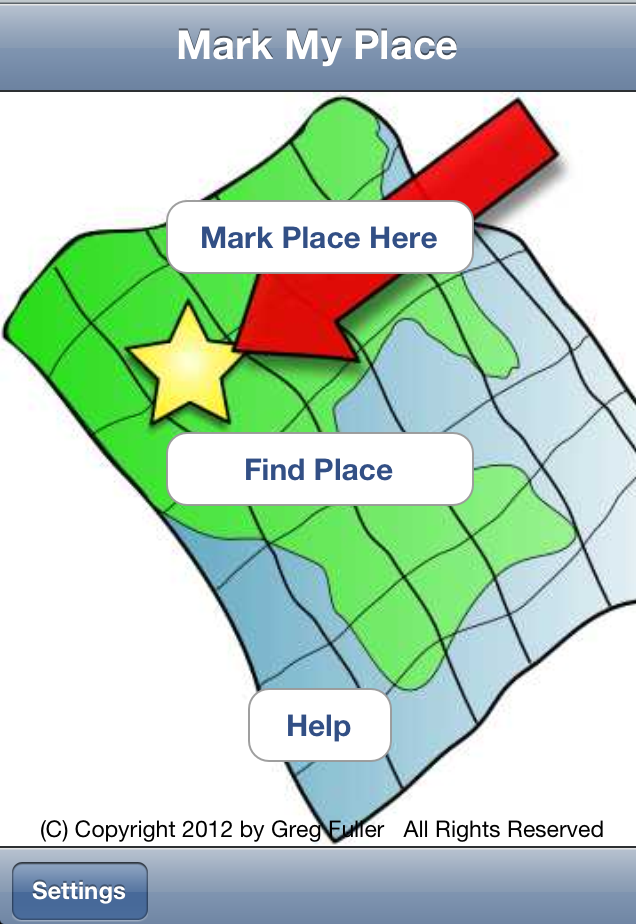
MarkMyPlacetm allows you to save a geographical "Place" or 'Location" with address information, latitude/longitude co-ordinates (for mapping or directions), a photo from the iPhone camera or Camera Roll, and a note or comment about the place. Simply by pressing a button.
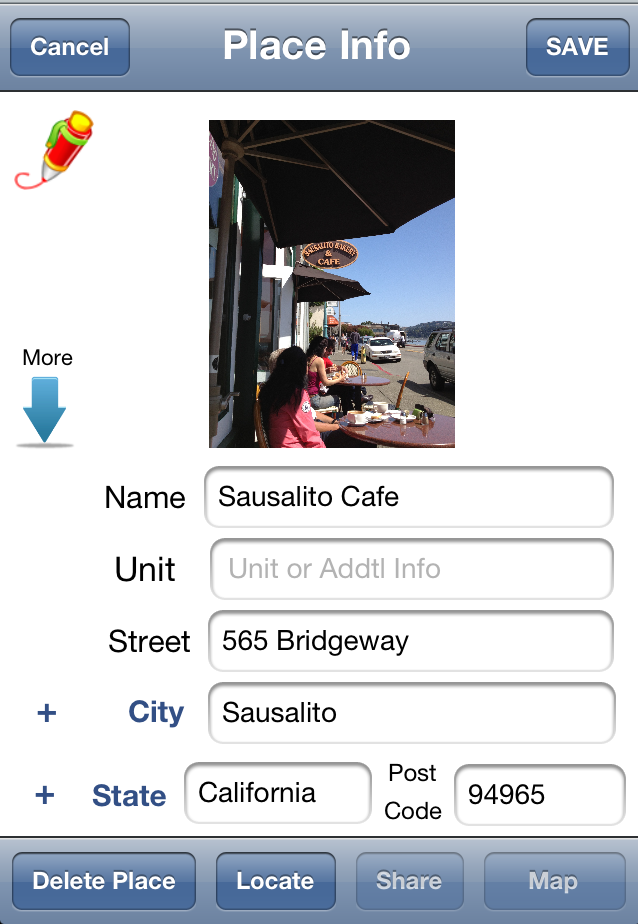 Or you can enter the street address of a Place, and have MarkMyPlacetm locate it for you.
A Place and it's attached information and photo can be shared with others via email, Twitter, or Facebook. You can also export a Place to your local Address Book Contacts on the iPhone, and import Contacts into MarkMyPlacetm. Once imported, the contact can then use the location, address and photo capabilities of MarkMyPlacetm.
After saving a Place, you can add "Tag" information to the Place -- including Category, Area, Group, City, State/Provence and Country -- making it easy to organize your Places and find them using the MarkMyPlacetm Search capability. You can add those tags from popup lists, or create you own new tag values. New tags can be added to the lists by simply pressing the plus <+> button to the left of the entry field after typing in the desired value.
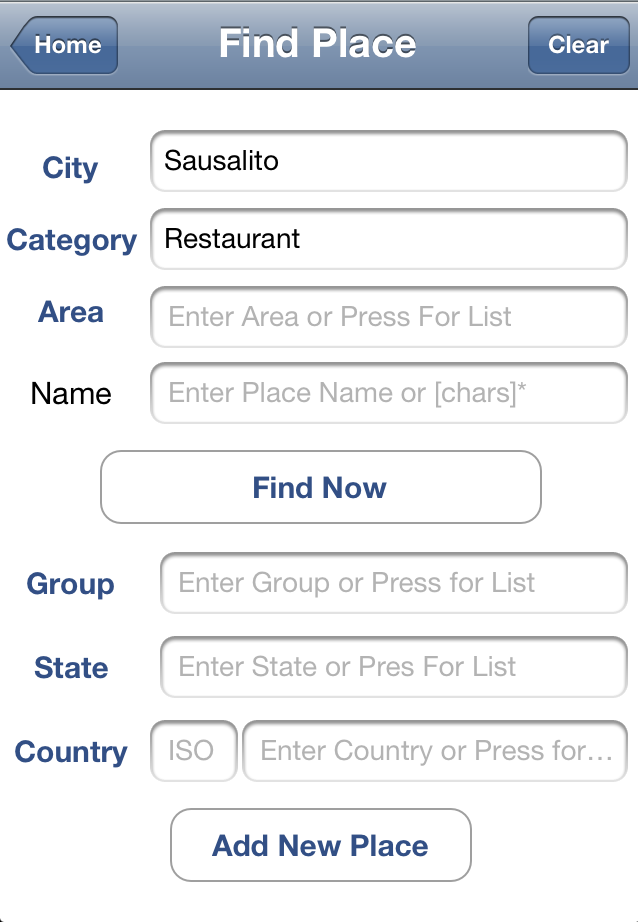 You can Search for a list of Saved Places using the "Tag" values (typed in or from the Lookup Lists), by full or partial Place Name, or Browse all of your saved Places by not entering any search values.
And finally, you can edit any of your saved Places, Delete them, and edit the Lookup Table Lists (or Tags).
Want to get back to your saved place? Just press the <Map> button. MarkMyPlace will show you a map, and even provide a link to Google Maps for directions.
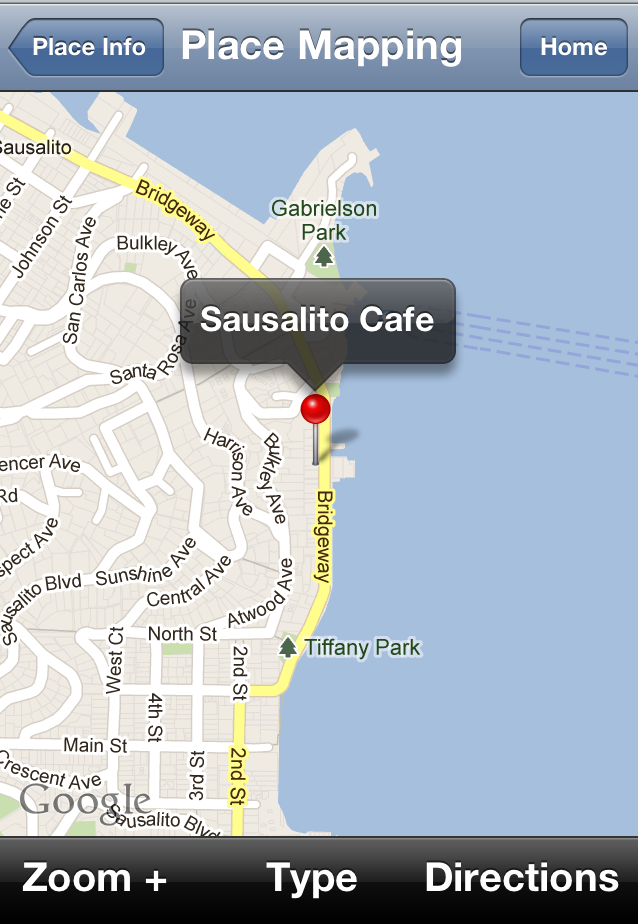
Here's your saved place, complete with name and location:
Coming Soon to the App Store.
For more information, or technical support -- contact mmpsupport@fairleadtech.com.
(c) 2012 by Greg Fuller and MobyMojo. All Rights Reserved.